
Access your school tax account or sign up for online billing

The CGTSIM provides individuals subject to school tax on the Island of Montréal with a secure online platform, allowing them to view their school tax bill or statement of account.
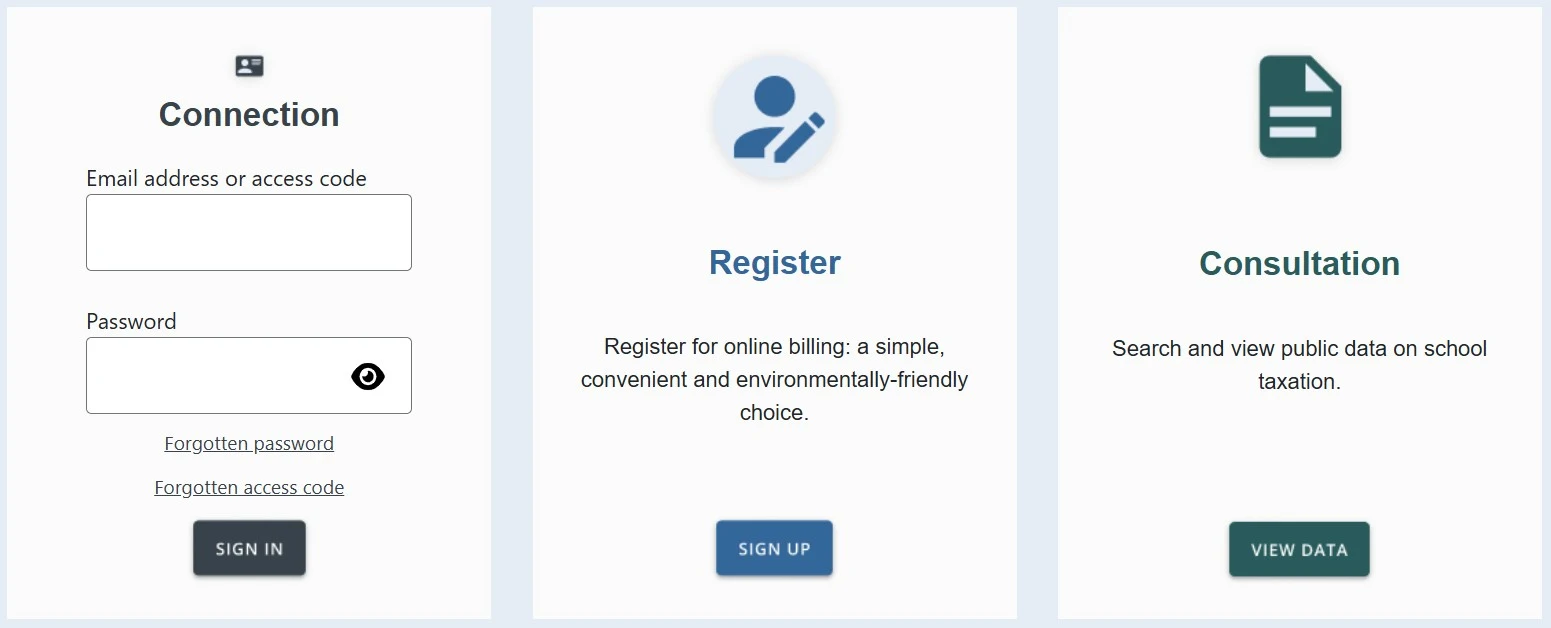
First login
If this is your first visit, watch our step-by-step video tutorial or follow the instructions below. To create an account, click the SIGN UP button.
Instructions
-
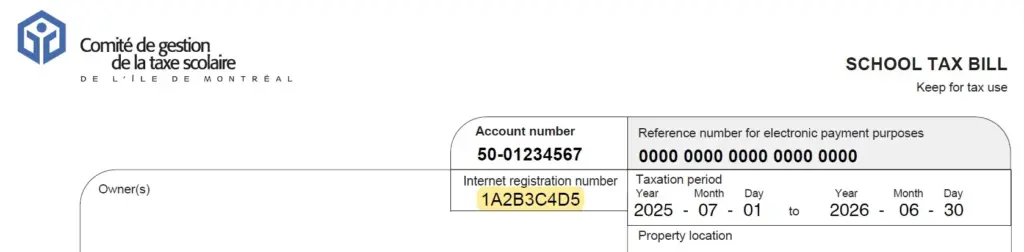
You will need your 9-character Internet registration number (letters and numbers), which is located at the top of your school tax bill.
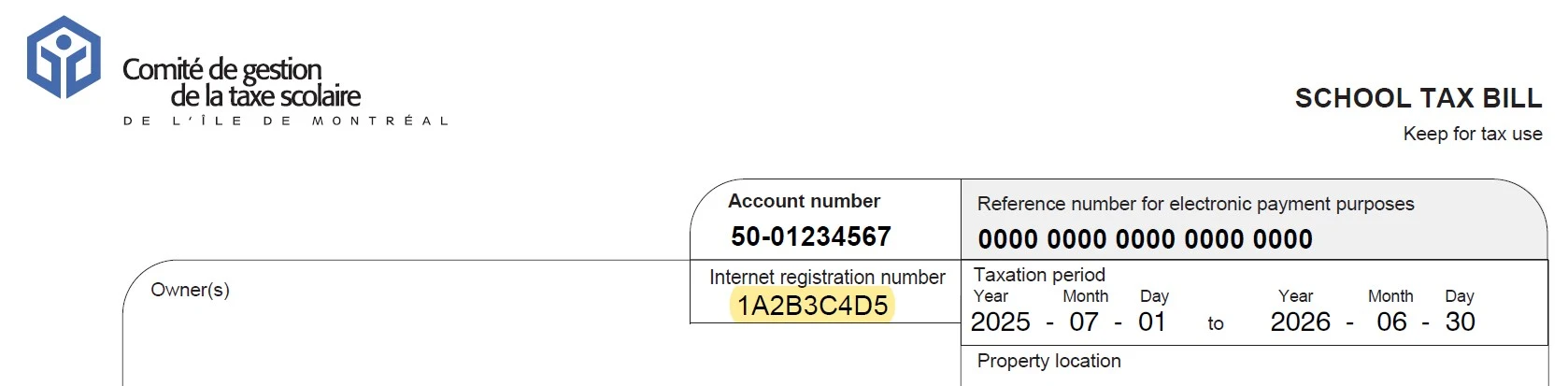
Important Notice
Please note that each property owner has a unique registration number. The number on the school tax bill is assigned to the first owner listed on the account. If you are the second owner, please contact our customer service to obtain your unique registration number.
-
Next, provide the requested personal information.
-
You will need to create your own access code and a password to complete your registration:
- An access code with a minimum of 5 characters (letters, numbers, or symbols)
- A password with a minimum of 8 characters (letters, numbers, or symbols)
-
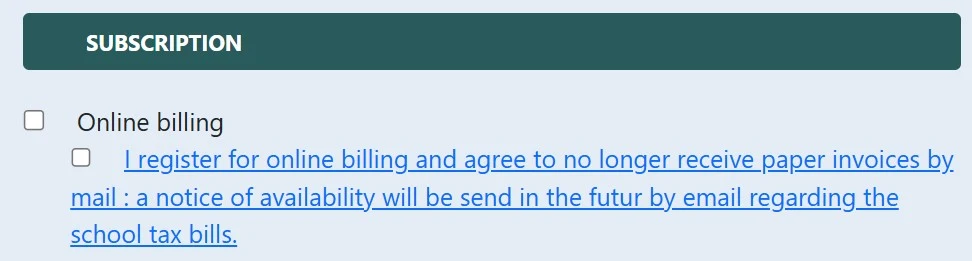
Finally, check the “Online billing” box if you wish to receive an email notification when your tax bill is issued. Then click CONFIRM to complete your registration.
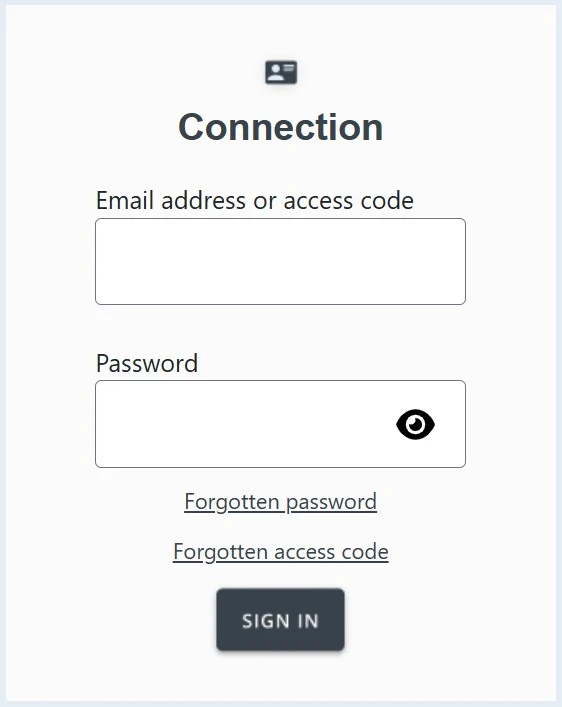
Subsequent logins
Once your account is created, you can access it at any time to view your school tax bill or statement of account.
Frequently asked questions about the online service
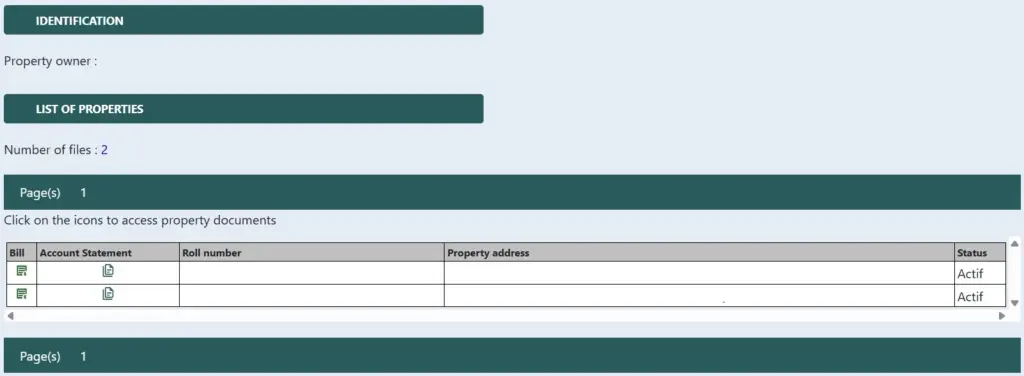
The secure online platform allows you to view the school tax bill for your property or properties for the current year, as well as a multi-year history in most cases. You can also check your statement of account to track your payment history. Click on the “bill” icon to access your school tax bills, or on the “account statement” icon to view your statement.
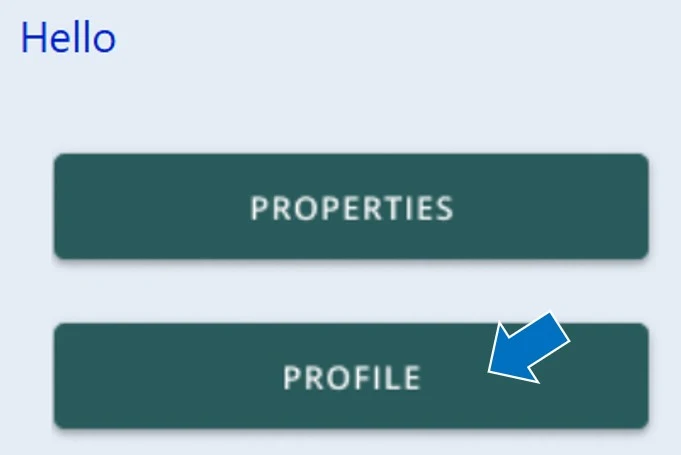
The platform also allows you to opt for online billing from your profile. By choosing this option, you will receive an email each year, around July 2, notifying you that your school tax bill for the current year is available on the platform.
No, payment cannot be made through the platform. Payment instructions are provided on your school tax bill or on the School tax payment page. In short, you are asked to pay your bill through your financial institution (at the ATM, at the counter, or online) or by sending us a cheque by mail.
Each property owner has a unique 9-character registration number. The number on the school tax bill is assigned to the first owner listed on the account. If you are the second owner, please contact our customer service to obtain your unique registration number.
No access code is provided by the CGTSIM. When registering for the online service, you will be asked to choose your own access code and password. Make sure your access code contains at least five characters (letters, numbers, or symbols). Watch our step-by-step video tutorial that guides you through the online platform registration process.
You can view your school tax bill and statement of account online through our secure platform. If this is your first visit, you will need to register first. Watch our step-by-step video tutorial that guides you through the online platform registration process.
If you prefer to receive your school tax statement of account by email it can be provided upon request for a $20 administrative fee per property. To do so, please complete the School tax statement of account request form. The statement will be sent to the email address you provide on the form.